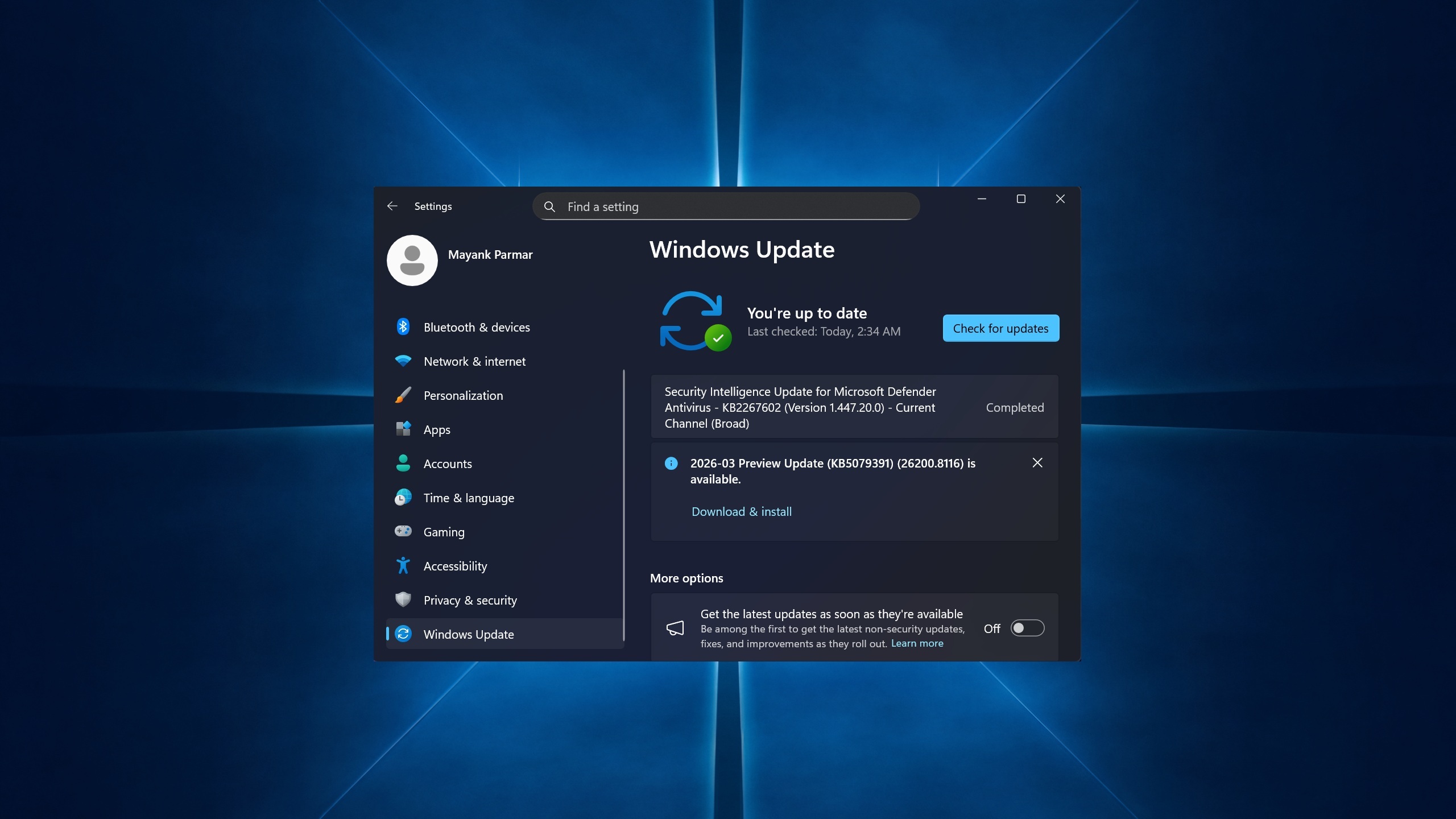
Windows 11 KB5079391 Now Available With New Features and Offline Installer Downloads
Windows 11 KB5079391 released with 1000 Hz refresh rate support, ability to turn on or off Smart App Control without reinstall, and more.
Windows 11 KB5079391 out with features, direct download links for offline installers (.msu)
Microsoft has released Windows 11 KB5079391, a new cumulative update packed with several notable features and improvements for users running the latest version of the operating system. The update is now available through Windows Update and can also be downloaded manually via direct download links for offline installers in the .msu format, allowing IT administrators and advanced users to deploy the patch across multiple machines without requiring an active internet connection on each device.
One of the most exciting additions in KB5079391 is support for 1000 Hz monitor refresh rates, a feature that will be welcomed by competitive gamers and enthusiasts who have invested in ultra-high refresh rate displays. This enhancement allows Windows 11 to fully utilize the capabilities of cutting-edge monitors, delivering smoother visuals and reduced input latency. The update brings the operating system in line with the growing demand for high-performance display technology in both gaming and professional workflows.
Another significant change included in this update is the ability to turn Smart App Control on or off without requiring a full system reinstall. Previously, users who wanted to change their Smart App Control settings were forced to reset their Windows installation, which was a cumbersome and time-consuming process. This quality-of-life improvement gives users much greater flexibility in managing their security preferences and removes a longstanding frustration that had drawn criticism from the Windows community.
In addition to these headline features, KB5079391 includes various bug fixes, security patches, and under-the-hood performance improvements that Microsoft says will enhance overall system stability and reliability. Users can install the update by navigating to Settings, then Windows Update, and checking for available updates. Those who prefer offline installation can find the .msu files through the Microsoft Update Catalog website, where the appropriate version for their system architecture is available for direct download.